How to Access Torzon Market — Step-by-Step Guide 2026
A complete walkthrough for reaching Torzon through Tor Browser, from installing the browser to passing the captcha on your first login.
Security First: Before You Access Torzon Market
Tor Browser is the one non-negotiable here — nothing on Torzon opens without it. A VPN is optional on top of that; it hides Tor usage from your ISP but adds another party that can see your traffic, so weigh that trade-off yourself.
How to Access Torzon Market: Step-by-Step Guide
VPN — Optional Layer
Some users add a no-log VPN before opening Tor Browser so their ISP sees encrypted VPN traffic instead of a Tor connection. It's a personal call, not a requirement — Tor's own encryption already protects the connection itself.
Download Tor Browser
Download the official Tor Browser from torproject.org
- Never use regular browsers
- Don't install additional extensions
- Keep Tor Browser updated
Configure Security
Click the shield icon next to the address bar and set the security level to "Safest":
- JavaScript gets disabled on all sites automatically
- Don't install additional plugins or extensions
- Don't open downloaded files while still connected to Tor
Get the Current Address
Copy the current .onion address from the links page, where it's cross-checked against a PGP signature and logged with a verification date.
Access Torzon
Paste the .onion address in the Tor Browser address bar and press Enter. Most sessions show a captcha challenge before the login page loads — complete it, then confirm the URL still ends in .onion.
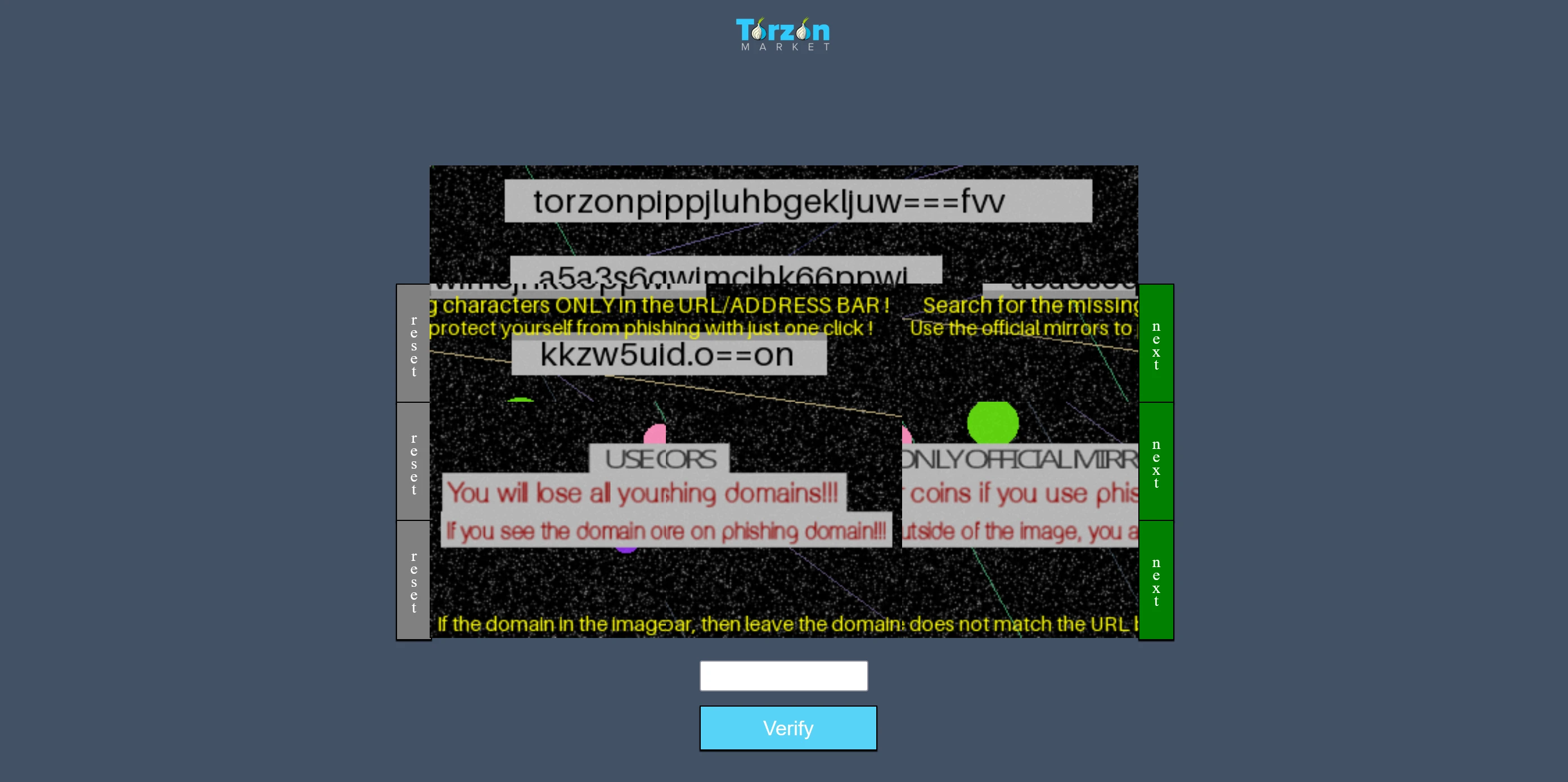
- Wait for the page to fully load
- Complete the captcha if prompted
- Confirm the URL ends in .onion before entering credentials
Create Account
Register using secure data:
- Use a unique username (never reuse from other sites)
- Create a strong password (16+ characters, use KeePassXC)
- Set a 6-digit security PIN for withdrawals
- Set up PGP key for encrypted communications
- Enable 2FA with a privacy-focused app (Aegis for Android, Tofu for iOS)
Before You Open the Address
Common Access Issues and Solutions
Site not loading
Solution: Try another address from the links page — addresses can be temporarily unavailable without it being a security issue.
Slow loading
Solution: The Tor network itself can be slow, independent of which address you use. Wait, or try again after a new circuit builds.
Tor Browser won't connect at all
Solution: Your ISP or country may block Tor entry nodes. In Tor Browser's connection settings, select "Tor is censored in my country" and configure an obfs4 bridge — this works in most restricted networks.
Login issues
Solution: Clear browser data and re-check your credentials. There is no email-based password recovery on Torzon — see the FAQ for account recovery limits.
Captcha problems
Solution: Refresh the page or wait for a new Tor circuit. Repeated captcha failures are usually a Tor exit node issue, not an account problem.
After You're In
Account setup, PGP keys, and 2FA are covered on the security page. Before leaving a balance on deposit, it's worth reading how exit scams unfold and how escrow and disputes work.